
Thumb
Thumb

Revolutionary forms system for receiving/sending information outside the organization

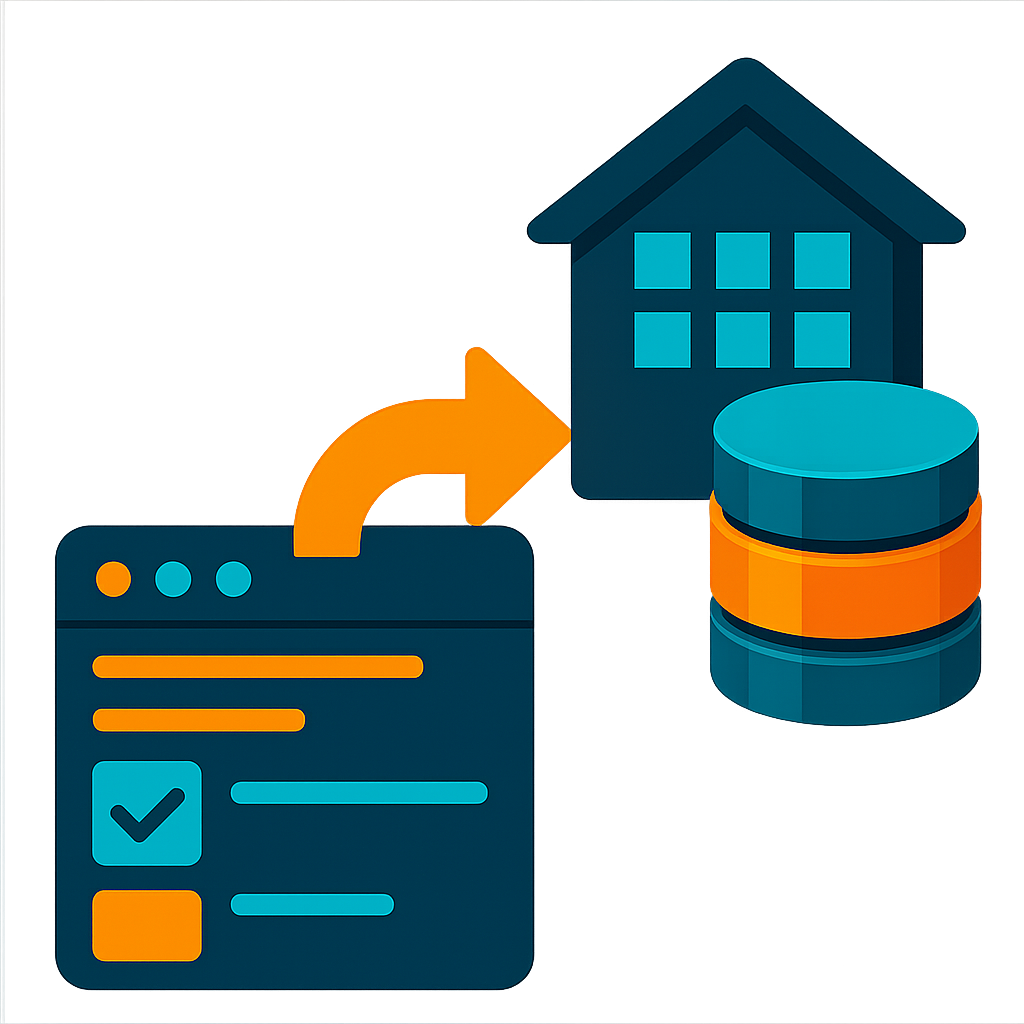
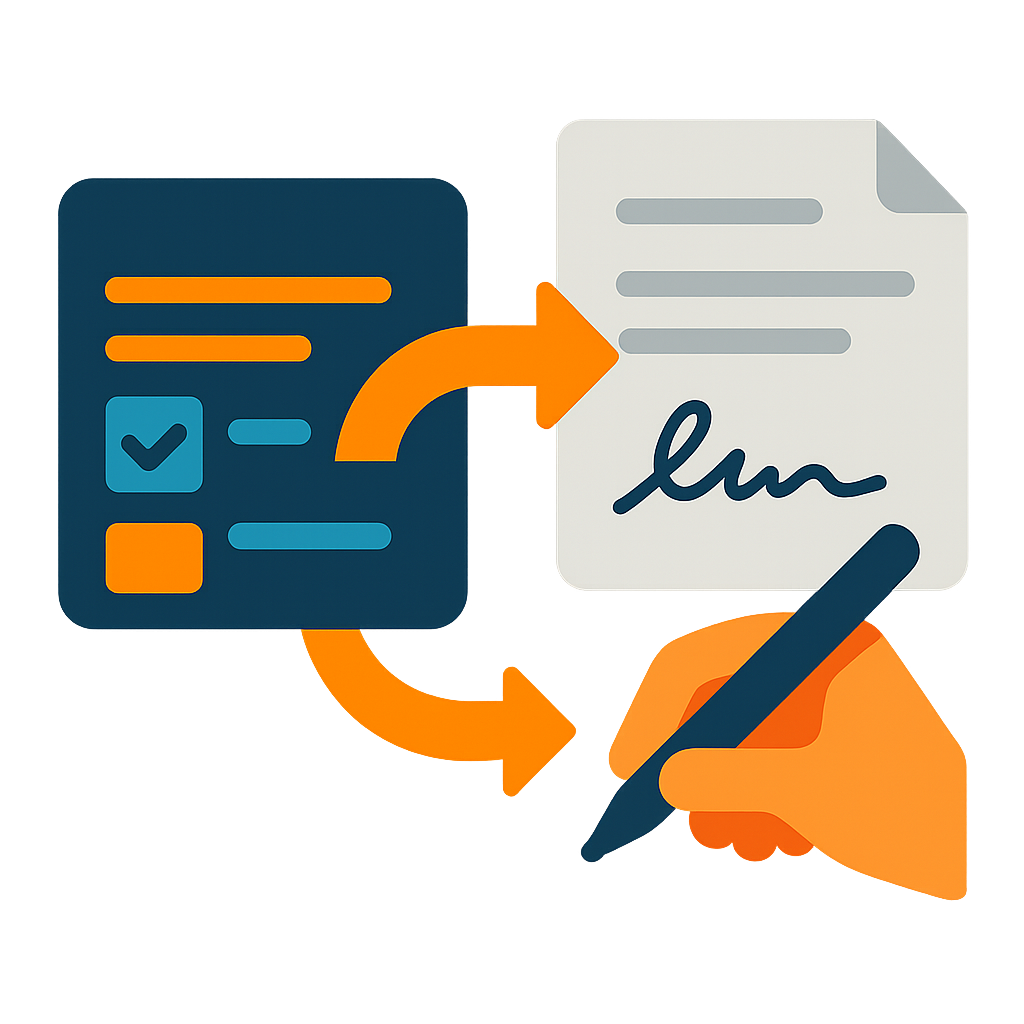
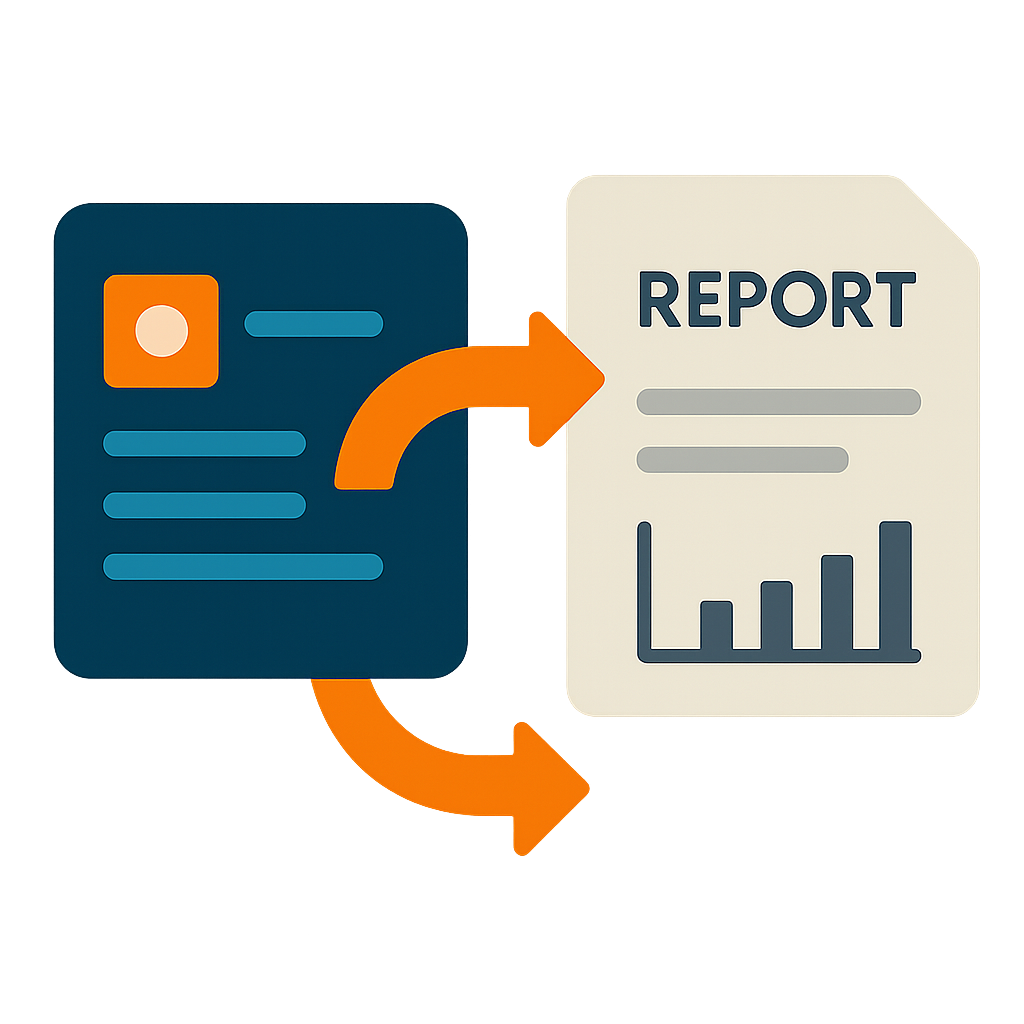
A system of electronic forms with revolutionary capabilities, which you can send as a link to parties outside the organization, for diverse uses: information collection, electronic signature, obtaining approval, online reports, surveys, etc.

The forms add to your business’s reputation – anyone who sees orderly and efficient communication is impressed, and believes this efficiency is reflected in all the organization’s operations! Since creating forms is intuitive and fast - they can serve as an immediate solution to any need - saving time, preventing errors, and bringing in quality information!

The benefits for the organization

Improve the reliability of the data you collect, especially when it comes from an external party | Save time in routine management (organized forms for capturing and presenting information, mobile support, a query builder for fast locating…) | The forms add to your business’s reputation – anyone who sees orderly and efficient communication is impressed, and believes this efficiency is reflected in all the organization’s operations | When an external party fills in a form, they get transparency and confidence in the accuracy of the information | Process automation streamlines work, reduces expenses, and prevents mishaps

Types of actions/forms and examples

– Information-collection forms (registering a visitor at a secure building entrance, capturing visitor details at a trade show…) – you can define which data you enter before sending, and which data the recipient enters | • Forms preceding electronic signature (for example – contracts…) – a revolutionary convenience thanks to the separation between entering the data in the form and signing the document | • Approval forms with a built-in “Approve” button (approving a participant…) | • Online report forms for viewing only (a monthly maintenance-activity report…) | • Survey forms – publishing an open link for everyone (an efficiency suggestion…) |

The main advantages of DocsRobot

Well-designed, organized forms that are simple to fill in, including support for display on a mobile phone | • Advanced capabilities in form building – pre-filling before sending with locking on the recipient’s side, defining mandatory and hidden fields, displaying calculation results using formulas | • Intuitive and easy to use both for the person creating forms and for the person using them to enter data | • A simple and fast DIY system to set up – from using a sophisticated and intuitive form builder, through the use of Word/Excel templates, up to easy definition of alternating views (quick reports)  | • An experienced, affordable cloud service | • A built-in document generator | • A built-in electronic-signature system | • Diverse mechanisms enable extracting great value from the stored data – fast search, an advanced query builder, Excel reports (both instant and template-based), etc.…

2025 Promotion

For anyone who contacts us or registers for the system by the end of June 2025 – we will set up your first forms for information collection/approval/report/signature free of charge!

Later this year we are launching an AI mechanism that will help you set up such forms yourself almost effortlessly – simply by chatting; until then – we are here to help!

5 types of actions you can perform


Information-collection forms

Need information from a visitor who arrived in your lobby? Missing supplier details for a contract? Send a form link to a specific recipient, or publish the link

  • Mobile adaptation allows filling it in from a phone, immediately, from anywhere
  • You can send a request to a specific party, or publish a link that everyone can access
  • The form requires no identification, and it is organized and intuitive
  • Having the recipient fill in the form saves you time and prevents errors (via date pickers for capturing dates, mandatory fields, an allowed value range,…)
  • The information collected is stored in the operational system – where it has value
  • You can even define which data you enter before sending, and which data the recipient enters

Forms for electronic/digital signing

Only at DocsRobot – a revolutionary signing process, with both groundbreaking capabilities for the signing organization and unique convenience for the signer:

    • The convenience for the signer comes from separating data entry from signing: the data is entered first in an organized, readable form, with all the advanced capabilities
    • Having the recipient fill in the form saves you time and prevents errors (via date pickers for capturing dates, mandatory fields, etc.)
    • The signer then sees these data in the right places and signs, as if someone had built the document from scratch just for them – with no “empty boxes”, no cut-off text or font too small, and with the signature “moving” properly along with the content.
    • The setup is one-time, done independently by the system administrator, and revolutionarily simple: you define the signing template document by simply editing a Word document, adding textual “placeholders” for fields and signatures! You define the form to be filled in easily with an intuitive “form builder”, by dragging fields. All you need is to give the fields names that match the “placeholders” in the document…

Approval forms - displaying the information to be approved, with a built-in “Approve” button

Fill in a form with data to approve (such as order details), and send it as a link to the approving party, who will see a built-in “Approve” button

  • No need to create a document and have it signed – approval is a single button click, on the data displayed in the form…
  • The approved form returns to you and is filed with the approver’s details and the time of approval – for any case where you want proof of what was read.
  • The information is preserved as of the moment the form was filled in – and the external party can access it again whenever they wish
  • The approval action for the future
  • The request’s status is tracked – it is shown on the main screen, and you can view its history to see how much time passed until it was read and until it was approved

Report forms - instead of sending a document, send a web page

Fill in a reporting form and send it as a link to an external party, simply – for viewing…

  • The request’s status is tracked – it is shown with the record on the main screen, and you can view its history to see how much time passed from when the report was sent until it was opened…
  • The information is preserved as of the moment the form was filled in – and the external party can access it again whenever they wish

Survey forms - publishing the link, with no need to send it individually

Create a form that has no specific recipient, get a link to it from the system, and publish the link

  • Anyone who sees the link can fill in a new form and send it to the organization
  • All the information arrives at the central system, is stored there, and can be used for any further action (reports, alerts, etc.)
  • An example? A customer complaint, a satisfaction survey, etc…

Main benefits for the organization


The system lets you build reputation, and reputation has value!

  • Clients who experience organized and efficient communication get the impression that this efficiency is reflected in all the organization’s operations
  • Employees who report in an organized manner understand, on one hand, that the value they bring is clear to management, and on the other, that all their actions are visible and monitored – both of these ensure they perform their role to the best of their ability
  • Professionalism in external communication – well-designed forms, consistent documents, and smooth signing processes convey professionalism and efficiency to clients and external partners.
  • Improved response speed – the ability to provide information, create documents, and complete processes in less time improves the level of service and increases satisfaction.

Time Savings and Increased Efficiency

Every aspect of the system is designed to save time, so you can focus more on what really matters for your business:

  • Automation of Repetitive Processes – The system replaces manual work with automated mechanisms: generating documents from templates, collecting data via structured forms, and managing approval workflows. Instead of wasting time on routine tasks, your team can focus on more productive activities.
  • Centralized Information and Quick Access – All data is stored in one place with advanced search capabilities. Employees can find information in seconds instead of digging through emails, folders, or paper files. Mobile support allows access to information from anywhere.
  • Elimination of Duplicate Work – The system eliminates the need to recreate similar documents, re-enter existing data, or repeat the same tasks over and over.

Cost Savings – Economic Benefit

  • Reduced Operational Costs – Less time spent on tasks, fewer errors, and improved efficiency translate into significant long-term financial savings.
  • Consolidation of Multiple Activities into One System – Less need for custom software or consulting services for basic processes.
  • Resources Freed for Innovation – When routine processes are handled automatically and efficiently, the organization can allocate more resources to development, product improvement, and business growth.

Knowledge Retention and Preservation of Information Assets

    • Converting Personal Knowledge into Organizational Knowledge: The system captures employee knowledge using templates, workflows, and structured databases. This ensures knowledge is retained even when employees leave and remains accessible to the entire organization.
    • Building an Organizational Knowledge Base – Over time, the system accumulates data on patterns, trends, and performance that can support data-driven decision-making.
    • Systematic Documentation of Processes – Every action goes through a structured system that automatically records who did what, when, and how. This enables complete process tracking and continuous improvement.

Risk Mitigation and Enhanced Reliability

The system helps improve the efficiency and reliability of all the information you collect or share, whether internally or externally.

  • Prevention of Human Errors – Input validation, standardized templates, and built-in approval workflows significantly reduce the chance of mistakes. Instead of copying and modifying old documents, the system ensures every document is created with the correct data.
  • Protection Against Data Loss – All information is securely stored in the cloud and remains easily accessible. No more worrying about lost files, computer crashes, or employees leaving with critical knowledge.
  • Proactive Risk Management – The reminder system ensures you never miss critical dates, contract expiration, or essential tasks. Daily alerts turn risk management from reactive to proactive.

Efficient teams are happier teams – people love getting more done when their time isn’t wasted!

Main advantages


An experienced cloud service, affordable, intuitive, ready for immediate use

  • The system has been developed since 2005 by an established company, with full, native localization including right-to-left support, and was not converted from a foreign English system
  • The monthly price is suited to a small business and fits individuals too – there is a rich core system, to which modules can be added only if you need them. The price is based mainly on the number of active users, and only in exceptional cases is it also affected by the monthly number of document-generation and electronic-signing actions
  • The setup process is easy and fast, enabling immediate implementation from one day to the next
  • Day-to-day use is intuitive – no need for lengthy training

Fast setup. Technologically capable? You can set the whole thing up yourself!

You can build all the system’s components independently, easily and quickly

  • Forms: by dragging fields of various types onto the form area, moving them and setting their size. In forms you can also: divide into chapters and tables, choose a design (skin), set an “automatic name” from the field values… In fields you can also: set default values, perform calculations, set display/hide conditions…
  • Main screens: prepare alternating views, “saved searches”, a category tree,…
  • Document templates: WORD documents in which the “changing content” is replaced with textual “placeholders”, and if electronic signatures are also needed, you add “signature lines” in those same documents (signature: {|___________|})
  • With the reports module: Excel report templates
  • With the process-management module: permitted status transitions, and advanced options for each status and each “action” of changing a status.
  • With the “advanced permissions” module: permission groups and their mapping to the different item types

The electronic forms have a variety of groundbreaking capabilities

A variety of groundbreaking capabilities enable building forms far more sophisticated than those other tools offer. Here are examples:

  • Calculated fields with formulas (and even hiding some of them so they serve only the document generator)
  • Formula-based conditions for hiding fields/chapters in forms
  • An automatic name for a record based on its field values
  • Shared chapters: used across several form types; changing them once affects all the types…
  • A built-in document generator lets you create a document from any form
  • Integration with Comsign signatures enables sending for electronic signature!
  • Automatic permissions and ad-hoc “role holders” for each new record created from the form (with the permissions module)

Forms intended for external use have a variety of unique capabilities

For each form intended for external use, in addition to the usual advanced form properties, you can also define:

  • The intended use type: (1) a report for viewing only, (2) approval (appears to the recipient with a built-in approval button, and no editing capability), (3) receiving information, (4) filling in and electronic signature
  • A link for publishing: share it by any means, and anyone who navigates to it can fill in a form.
  • Which data must be entered in advance by the sender (and locked for editing by the recipient), as well as which data is completely hidden from the recipient.
  • Which actions the recipient can perform – such as generating a document, attaching documents, electronic signature,…

Fast and easy locating of every item saved in the system

The entire system is built for fast and easy locating of items

  • The main screen displays a “tree of categories and form types” for easy navigation (with the option to show the same form type under several different categories)
  • Each form type has a tabular view selectable from a collection of “alternating views” – each showing only the columns important to a certain topic (“validity data”, “insurance and guarantees”,…); no need to “open” each record separately…
  • Type text for a quick search
  • Create a “query” for a more complex, condition-based search (all the reports sent to a certain client in a certain year). The query can be saved with a name, and then easily reloaded.

Built-in mobile support

  • For each form type, the system lets you create two “synchronized views”, one for the computer and one for mobile. They always contain the same fields and tables, but you can set a different position for each field. If, for example, one row displays 3 fields in the computer view, you can display the same ones across two rows on mobile
  • The system lets you define different “alternating views” for computer and mobile – thus displaying only the essential columns on mobile, to avoid the need to scroll left and right
  • The mobile menu shows a more compact and convenient view – only records and alerts. All the management screens appear only on the computer…
  • Uploading an image is possible via the camera and the gallery.

What else is in the system?


Fast and easy locating of every item saved in the system

The system has many and varied mechanisms for fast and easy locating of the items stored in it

  • The main screen displays a “tree of categories and form types” enabling easy navigation to content by its type (you can also link the same form type to different categories, and reach it from several “directions”)
  • Each form type has a “tabular view” that the user can define, showing only the important columns. You can define “alternating views” and thus switch easily between different perspectives of the same information – each view for a different topic (“validity data”, “insurance and guarantees”,…); no need to “open” each record separately…
  • A quick search from the main screen by typing text
  • A filter panel for creating “queries” for a more complex, condition-based search; the query can be saved with a name, and then easily reloaded.
  • Fast Excel reports from the main screen in one click – for further data processing in Excel, including reports based on user-defined templates

Many “builders” included, for independent setup; templates too are prepared yourself in Word/Excel

A variety of “builders” enable those with technological ability to build the system themselves, easily and quickly

  • The “form builder” is used for fast and intuitive setup of forms – by dragging and resizing fields, dividing into chapters (including using “shared” chapters – identical across different form types), choosing a design (skin), and setting advanced field properties such as default values, calculation formulas, display/hide conditions,…
  • The “view builder” lets you define alternating views for the main screen of each item type.
  • To the document generator you can connect WORD documents you easily created with textual “placeholders”.
  • For electronic signatures, you add a “signature line” to that same WORD file
  • On the main screen you can save and reload “searches” you have run.
  • With the reports module, you can create reusable report templates
  • With the process-management module, you can define status maps and automations that occur when a status changes
  • With the “advanced permissions” module, you can define permission groups and map them to the different item types

Fast entry of information you must document, and convenient retrieval of it, from anywhere!

The system is built for fast addition of “information items”, including complex ones, and for presenting them from a computer or mobile, in a clear way that encourages use

  • Knowledge is power, especially when it’s in the palm of your hand, anywhere and anytime. It just needs to be easy to document and retrieve!
  • The system is based on forms, through which you organize the knowledge and divide it into categories, in whose “tree” you can navigate easily to find anything with ease
  • Each form has its own structure with fields (and chapters), a main screen with alternating tabular views, and if needed – report templates, saved searches, etc.
  • There is full mobile support – with optimal adaptation of the views
  • There is a “quick” search in every tabular view, and also “filters” for locating via more complex queries

Revolutionary WORD document generator

A revolutionary WORD document generator – create recurring documents again and again, easily and quickly, from a convenient electronic form, without opening WORD…

  • Use an electronic form to create the document, not WORD – avoid omitting necessary information, prevent typing errors…
  • All the information entered into the documents is stored as fields in a central database, with options for tabular display, simple locating, report generation…! The documents are filed together with the information records.
  • Preparing the document templates is simple and revolutionary: open an existing document in WORD, and replace its “changing content” with “placeholders” (such as – {{employee_name}}…
  • The generator works fast, and enables creating documents as complex as needed, including with images and tables

A revolutionary system for electronic signatures

Within minutes you can set up a signing system that both looks like years of work went into it, and is very convenient for signers

  • The system creates a PDF document for signing from a combination of a WORD document template and data entered in an electronic form, sends the signer a link to it, and they view it on a computer or mobile phone and sign in the appropriate places.
  • The document to be signed is clean and professional, designed like all your other company documents – with no strange “boxes” of cut-off content or signatures appearing in an illogical position.
  • The data the system merges into the document is entered in an organized, clear electronic form, with input validation (such as list fields, date pickers), not in “boxes” over the document, and without opening WORD at all.
  • You can choose who fills in the data – only you, only the signer, or partly you and partly the signer (including hidden and read-only fields)
  • You can merge complex data into the form, such as images and tables.
  • If the merged content causes the signature to be “pushed” down – the system automatically detects its new location!
  • There are many other advanced capabilities, for example: support for multiple signers (with or without order), uploading identification documents, etc…

About our signature and its benefits


Our digital signature - based on ComSign

The system provides businesses with an immediate solution for digitally signing PDF documents, through the signature infrastructure of Comsign-Europe – which is a large certificate authority for European countries, with offices in London, Cyprus and Estonia.

The digital signature includes a combination of a visual signature and a digital certificate:

  • A visual signature is a signature operation performed by a “recipient” to whom the request is sent, on a computer (using the mouse) or on a mobile phone (using the finger, with an adjusted display) , using a “signature panel” that appears “above” the PDF document.
  • A digital certificate is an encrypted file, which is attached to the document, and guarantees that the original content of the document has not changed after the signature.

The advantages of using DocsRobot for electronic signatures

  • Simple setup with MS-Word: no need to learn new techniques and tools for defining fields and signature locations – define them inside the Word document intended for signing. Simple!
  • Convenience and flexibility: the system allows the signer to add a visual signature to the document in a quick and familiar way, similar to manually signing a physical document.
  • Protection of the integrity of the document: After signing, the document is encrypted and a digital certificate confirming its integrity is attached. This ensures that the signed document remains unchanged, so its authenticity can be trusted throughout.
  • Compliance with standards and laws: The system uses digital certificates approved by Comsign, a recognized certification body in Europe, which ensures that the documents meet relevant legal standards.
  • Wide Use: The system is suitable for a wide range of uses, such as signing contracts, price quotes, registration forms and other official documents.

The signing process - filling details in an electronic-form, then visually signing the generated document

Our signing process is unique and revolutionary:

  • Before signing, data is entered in a well-organized electronic form, with validation (date-pickers, lists, mandatory fields, etc.), not scattered in “boxes” in the document which requires to be signed!
  • The system offers two options for filling out the data in the form: by someone in the organization, before sending the signature request, or by the signer himself.
  • The document is created by merging the data entered into a template document (the system does this automatically): there are no “strange boxes” with truncated content, and advanced content such as tables can be added without skewing the document!
  • The signature is made visually – with a mouse on a computer or with the finger on a phone, with advanced capabilities such as saving a signature for reuse…